“Is our AWS environment actually secure?” We hear that question a lot. The honest answer: it depends on a handful of baseline settings that, in practice, are often not quite right.
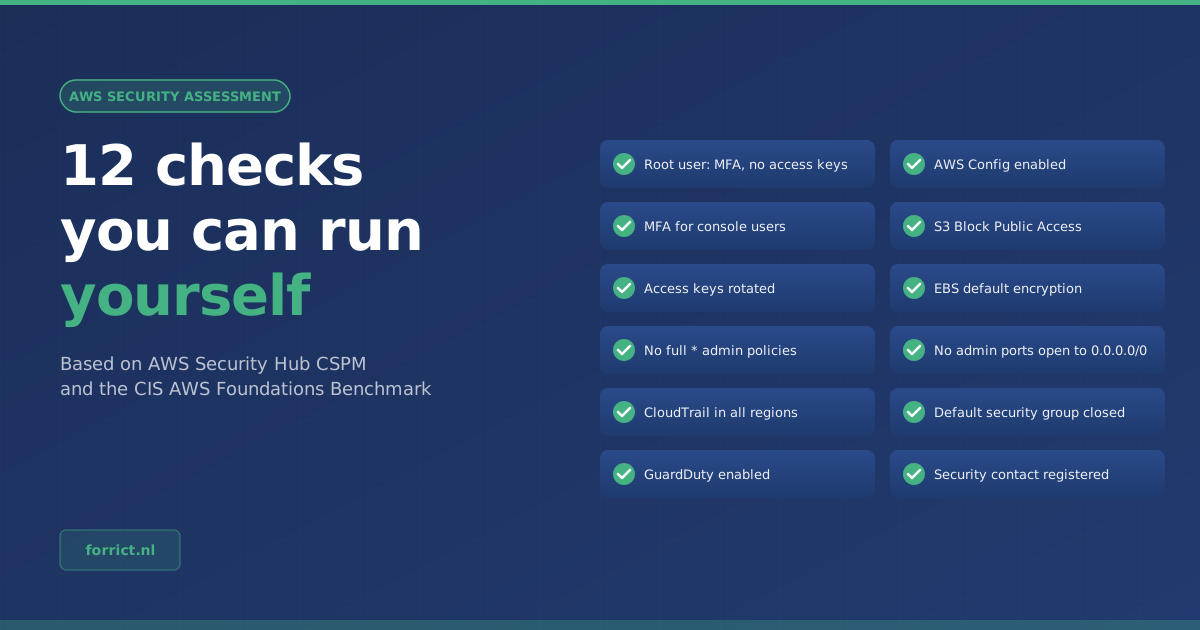
The good news: you don’t have to guess. AWS publishes standards with controls, and AWS Security Hub CSPM can check your accounts against them automatically. Below are the twelve checks we look at first in an AWS security assessment, with the name of the matching control in Security Hub CSPM, so you can find them yourself.
Where do these checks come from?
Security Hub CSPM supports, among others, two standards that matter here:
| Standard | From | What it is |
|---|---|---|
| AWS Foundational Security Best Practices (FSBP) | AWS | A set of controls that checks AWS accounts and resources against AWS best practices |
| CIS AWS Foundations Benchmark | Center for Internet Security | A widely used benchmark for the baseline setup of an AWS account. Security Hub CSPM supports v5.0.0, v3.0.0, v1.4.0 and v1.2.0 |
The control IDs in the tables below (such as IAM.4) are the names Security Hub CSPM uses. Each check shows which of the two standards it appears in; for CIS this means the recent versions unless stated otherwise.
Access: who can do what?
Most incidents start with access rights, so that is where most of the list sits.
| # | Check | Why it matters | Control | Standard |
|---|---|---|---|---|
| 1 | MFA on the root user | The root user can do anything. Without MFA, one leaked password is enough | IAM.9 | CIS |
| 2 | No access keys on the root user | A root access key is a key to everything that can end up in scripts or on laptops | IAM.4 | FSBP and CIS |
| 3 | MFA for everyone with a console password | Passwords leak. MFA makes that leak far less serious | IAM.5 | FSBP and CIS |
| 4 | Access keys rotated within 90 days | The older a key, the bigger the chance it sits somewhere it shouldn’t | IAM.3 | FSBP and CIS |
| 5 | No policies with full * privileges | A policy that allows all actions on all resources is often added “temporarily” and never removed | IAM.1 | FSBP (CIS up to v1.4.0) |
Seeing what happens
When something goes wrong, you want to be able to see what happened. Ideally, you notice before a customer does.
| # | Check | Why it matters | Control | Standard |
|---|---|---|---|---|
| 6 | CloudTrail on in all regions | Without CloudTrail you don’t know who did what. Also check that log file validation is on (CloudTrail.4) | CloudTrail.1 | FSBP and CIS |
| 7 | GuardDuty enabled | GuardDuty flags suspicious behavior, such as unusual API calls | GuardDuty.1 | FSBP |
| 8 | AWS Config enabled | Config records how your resources are configured. Security Hub CSPM uses Config rules for most of its controls | Config.1 | FSBP and CIS |
Data and network
| # | Check | Why it matters | Control | Standard |
|---|---|---|---|---|
| 9 | S3 Block Public Access on | A publicly readable bucket is one of the best-known causes of cloud data leaks | S3.1 | FSBP and CIS |
| 10 | EBS default encryption | With this setting, every new volume is encrypted automatically, even if someone forgets | EC2.7 | FSBP and CIS |
| 11 | No admin ports open to the whole internet | SSH or RDP open to 0.0.0.0/0 invites login attempts. Also check that the default security group blocks all traffic (EC2.2) | EC2.53 | CIS |
Being reachable
| # | Check | Why it matters | Control | Standard |
|---|---|---|---|---|
| 12 | Security contact registered | If AWS sees something suspicious in your account, they need to reach the right person | Account.1 | FSBP and CIS |
How to check it yourself
- Enable AWS Security Hub CSPM in your account, or better: centrally for your whole AWS Organization.
- Turn on the AWS Foundational Security Best Practices and CIS AWS Foundations Benchmark standards.
- Make sure AWS Config is enabled in every region where Security Hub CSPM runs. Without Config you get no control findings.
- Review the failed controls and look up the twelve from this list by their control ID.
- Start with root and IAM. That is usually where the biggest risk sits for the least effort.
Our take: what a checklist doesn’t show
This part is Forrict’s opinion, based on our own experience.
Green is not the same as secure. An environment can pass all twelve checks and still be vulnerable. For example because a role that neatly uses MFA can, in practice, do far more than it needs to.
An alert nobody reads doesn’t help. Turning on GuardDuty and Security Hub CSPM is step one. The question is who sees the alerts, and what happens next.
Not every failed control matters equally. An open port on a test environment without data is different from a public bucket with customer data. Prioritizing takes knowledge of your organization, not just of AWS.
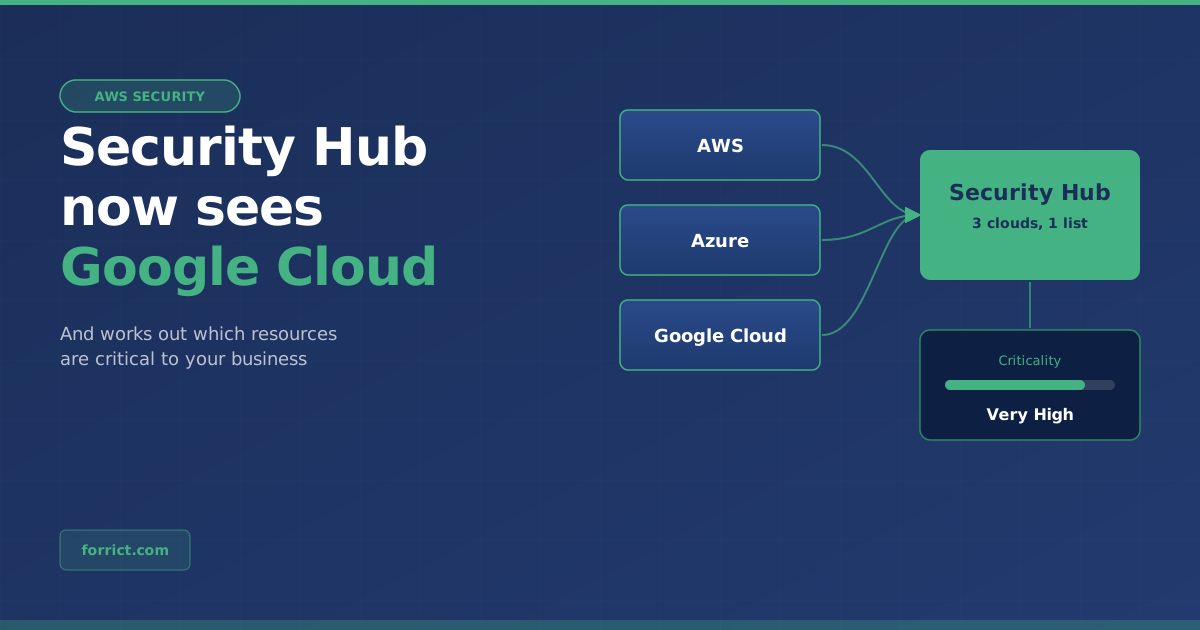
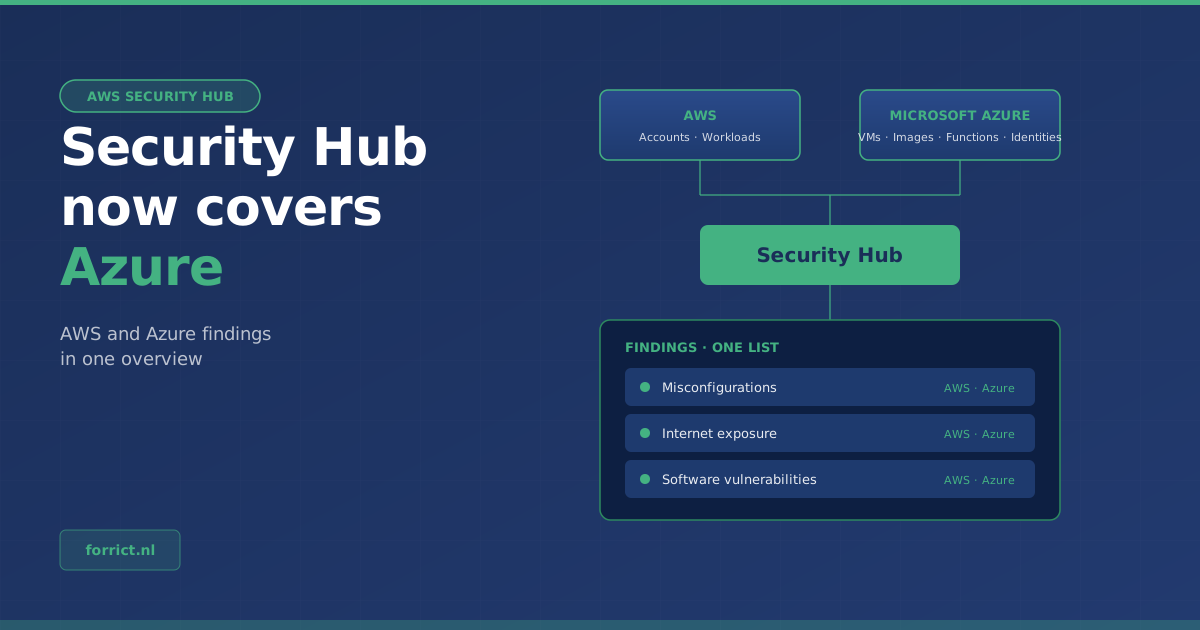
That is exactly what an AWS security assessment is about: we look with you, weigh the findings against your situation and put the improvements in order. Running Azure next to AWS? Also read how Security Hub now covers Azure.
Request an AWS security assessment →
Sources
- AWS documentation: AWS Foundational Security Best Practices standard in Security Hub CSPM
- AWS documentation: CIS AWS Foundations Benchmark in Security Hub CSPM
- AWS documentation: Enabling and configuring AWS Config for Security Hub CSPM
- AWS documentation: Security Pillar, AWS Well-Architected Framework
Forrict
AWS expert and consultant at Forrict, specializing in cloud architecture and AWS best practices for Dutch businesses.